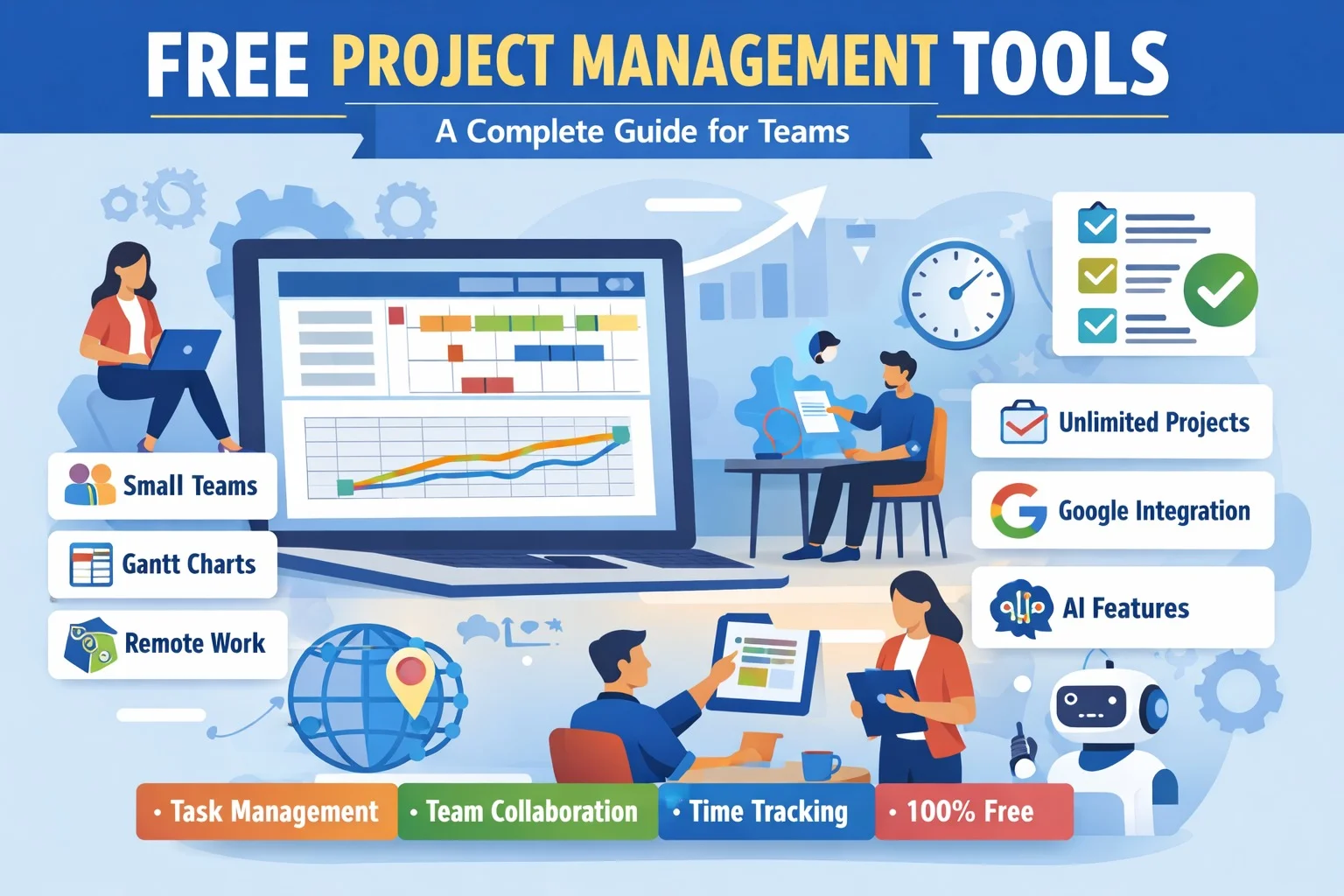
Project management is an essential part of running any successful team, whether it’s a small startup, a remote group, or a large organization. However, many teams are often hesitant to invest in expensive project management software, especially when they are just starting. Fortunately, there are free project management tools available that can help you organize tasks, collaborate efficiently, and track progress without spending a dime. In this article, we will explore the best free project management tools and answer the most common questions users have about them.
1. Which free project management tool is best for small teams?
For small teams, ease of use and collaboration features are the most important factors. Tools like Trello, Asana, and ClickUp stand out as the top choices for small teams.
- Trello: Trello uses a card and board system that is highly visual and intuitive. It is perfect for small teams managing a few projects at a time. Its free version offers unlimited boards, cards, and members, making it ideal for startups or teams with up to 10 members.
- Asana: Asana is a versatile project management tool that allows teams to create tasks, assign responsibilities, and set deadlines. The free version supports up to 15 users and includes basic task management, lists, and calendar views.
- ClickUp: ClickUp provides a range of features including tasks, docs, and simple automation even in its free plan. It is excellent for teams that want a single platform to manage tasks, projects, and team communication.
These tools provide enough functionality to manage small team projects without requiring a paid plan.
2. Are there any free project management tools with Gantt charts?
Yes, some free tools do include Gantt charts, which are essential for planning tasks and timelines.
- ClickUp: ClickUp’s free plan allows users to view tasks in Gantt chart format. This helps teams visualize project schedules, deadlines, and dependencies.
- TeamGantt: TeamGantt offers a free version with limited features but allows users to create basic Gantt charts, manage tasks, and track project timelines.
- Wrike: Wrike’s free version supports simple timeline views that resemble Gantt charts, helping teams manage project schedules effectively.
Gantt charts are useful for teams working on complex projects where tasks depend on each other and scheduling is critical.
3. What are the best free project management tools for remote work?
Remote teams need tools that enable communication, file sharing, and collaboration. The following free tools are perfect for remote work:
- Trello: Its visual boards and card system make remote collaboration easy. Team members can comment, attach files, and track progress in real-time.
- Asana: Asana allows remote teams to assign tasks, set deadlines, and monitor task completion from anywhere. Its free version supports up to 15 team members.
- ClickUp: ClickUp integrates with messaging apps and allows remote teams to work on tasks collaboratively. It also supports real-time editing and document sharing.
These tools provide remote teams with the ability to stay connected, organized, and productive, even when team members are spread across different locations.
4. Can I use free project management software for unlimited projects?
Most free project management tools have limits on the number of projects or users, but some offer very generous allowances.
- Trello: Unlimited projects, boards, cards, and members. The free version has some limitations on automation and integrations but is generally sufficient for small teams.
- Asana: Allows unlimited tasks and projects, but the free plan supports up to 15 users. Advanced features like timelines and reporting require a paid plan.
- ClickUp: Offers unlimited tasks and projects on the free plan, and supports up to 100MB of storage for files.
While free plans are excellent for small or medium-sized projects, very large teams may eventually require paid plans to unlock advanced features and higher limits.
5. Which free project management tool integrates with Google Workspace?
Integration with tools like Google Drive, Gmail, and Calendar is important for teams already using Google Workspace. Several free project management tools support these integrations:
- Trello: Offers integration with Google Drive, Calendar, and Gmail. Attach files from Drive, set due dates on Calendar, and link emails to tasks seamlessly.
- Asana: Integrates with Gmail and Google Calendar. Teams can create tasks directly from emails and keep track of deadlines on their Google Calendar.
- ClickUp: Provides native integrations with Google Drive and Calendar, allowing teams to attach files, manage tasks, and sync events in real-time.
These integrations help teams work without switching between multiple apps and ensure smoother workflows.
6. How do free project management tools compare to paid versions?
Free project management tools are very capable but usually have some limitations compared to paid versions:
- User Limits: Free plans often restrict the number of users or team members.
- Advanced Features: Paid plans provide access to features like advanced reporting, automation, task dependencies, timelines, and unlimited integrations.
- Storage: Free plans often have storage limits for file attachments.
- Support: Free users usually have access to community support, while paid plans may include priority or dedicated support.
Despite these limitations, free plans are highly functional and often sufficient for small teams, startups, and individual users. They allow you to manage tasks efficiently without any financial commitment.
7. Are there AI-powered free project management tools?
Yes, some free project management tools are starting to include AI-powered features to improve productivity:
- ClickUp AI: Provides AI-assisted task creation, summaries, and prioritization even in the free plan. It can suggest task deadlines and organize projects automatically.
- Trello with AI Plugins: Trello supports AI add-ons that can automate repetitive tasks, prioritize work, and even generate task descriptions.
- Asana AI Features: Asana has AI suggestions for task dependencies, workload management, and project timeline adjustments. Some AI features are available in the free tier or trial versions.
AI-powered project management tools save time, reduce errors, and help teams focus on high-priority tasks rather than administrative work.
Conclusion
Free project management tools are a powerful way to manage tasks, improve team collaboration, and stay organized without paying for software. Tools like Trello, Asana, and ClickUp provide robust functionality for small teams, remote work, and even AI-powered task management. While free plans may have some limitations compared to paid versions, they are sufficient for most small-to-medium projects.
Whether you are a freelancer, a startup, or a remote team, leveraging these free project management tools can increase productivity, streamline workflows, and ensure that projects are completed on time. By exploring tools that integrate with Google Workspace, support Gantt charts, and even offer AI features, teams can work smarter, not harder, all while staying within budget.