
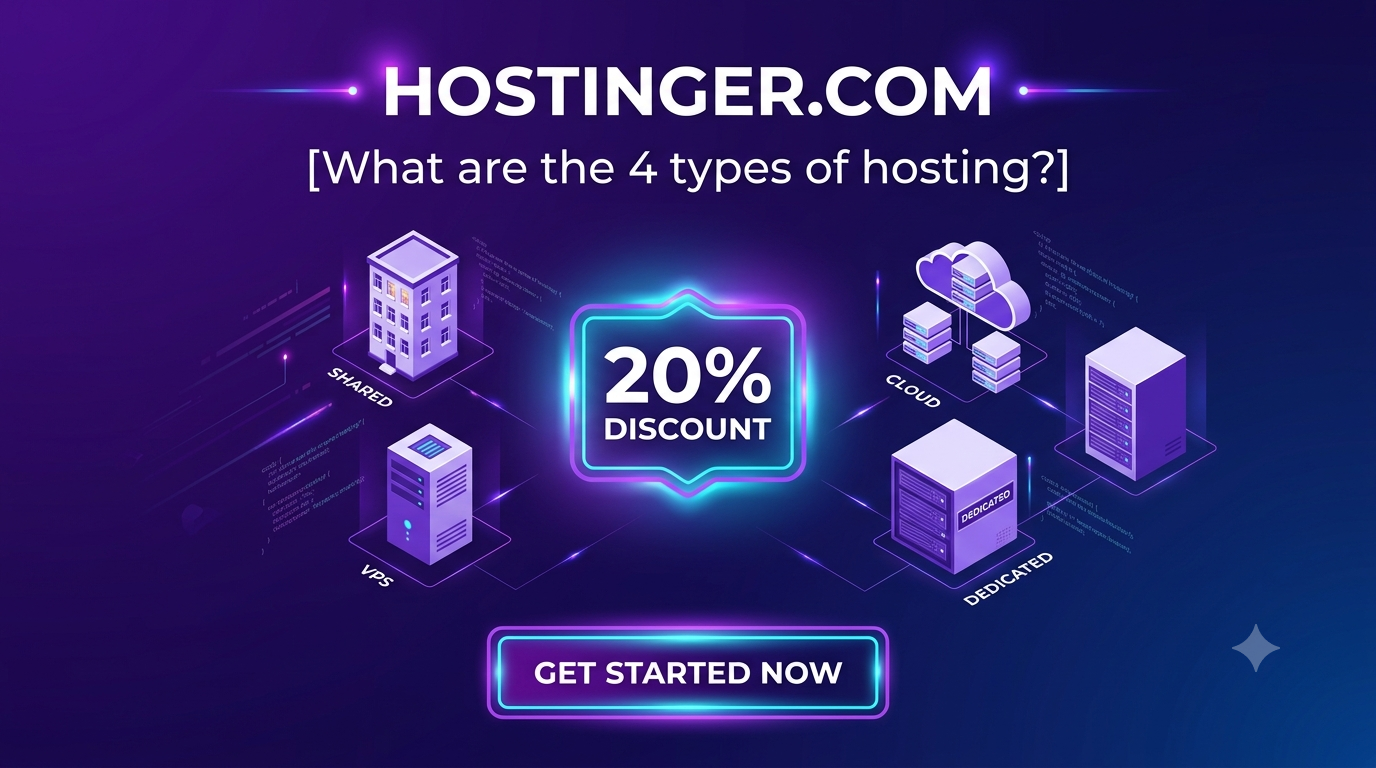
Every website you access on the internet consists of files, databases, images, and code scripts. For those files to be accessible online 24/7, they must reside on a physical server connected to a continuous, high-speed network.
Web hosting is the service of renting server space and hardware infrastructure to store and serve website data to global users. Choosing the right hosting architecture is one of the most vital technical decisions for developers, students, and businesses alike, as it directly impacts page loading speed, site security, downtime tolerance, and scalable infrastructure growth.
The 4 Primary Types of Web Hosting Explained
To select the right environment for your web projects, let’s break down the technical setup, benefits, and target use cases for the four main hosting models.
1. Shared Web Hosting (Best for Beginners, Portfolios & Small Sites)
Shared hosting is an entry-level hosting architecture where multiple websites reside on a single physical web server. All hosted websites share a combined pool of hardware resources, including CPU power, RAM, disk storage, and network bandwidth.
How It Works:
Think of shared hosting like living in an apartment building. You have your own personal space (your website’s directory), but you share common infrastructure like the hallway, main entrance, and water pipes (server CPU, RAM, and bandwidth).
Key Technical Benefits:
-
Cost-Effective: Because server operating costs are split among hundreds of users, shared hosting is extremely affordable for students and freelancers.
-
Zero System Administration: The host handles server maintenance, security patches, OS updates, and network configurations.
-
One-Click Deployments: Easily launch Content Management Systems (CMS) like WordPress, Joomla, or Drupal using graphical dashboards.
Ideal Use Cases:
-
Personal developer and designer portfolios.
-
Student projects and academic assignments.
-
Small business brochure websites and low-traffic blogs.
2. VPS Hosting (Virtual Private Server — Best for Developers & Growing Apps)
Virtual Private Server (VPS) hosting uses hypervisor virtualization technology to split a single physical server into multiple isolated virtual environments.
How It Works:
While you still share physical hardware with other users, each virtual partition acts as an independent server with dedicated CPU cores, allocated RAM, and guaranteed SSD storage. Returning to the housing analogy, VPS hosting is like owning a condominium; you share the physical building structure, but your interior space is fully private, secure, and customizable.
Key Technical Benefits:
-
Dedicated Resource Guarantees: Your site performance will not suffer if another site on the same server experiences a traffic spike.
-
Full Root Access: Developers gain SSH access to configure custom server environments, install specific Linux distributions, run Node.js/Python applications, or execute custom database setups.
-
Isolated Security: Security vulnerabilities on neighboring virtual environments do not spill over into your isolated partition.
Ideal Use Cases:
-
Web applications requiring custom software stacks or API endpoints.
-
Mid-sized e-commerce stores with steady monthly traffic.
-
Developers needing custom sandbox environments for staging code builds.
3. Cloud Hosting (Best for High Traffic, SaaS & Rapid Scaling)
Cloud hosting deploys your website across a distributed network of interconnected physical and virtual servers rather than relying on a single hardware chassis.
How It Works:
If one physical machine in the cloud network experiences hardware failure or network congestion, traffic is seamlessly rerouted to another operational node within the cluster without causing downtime.
Key Technical Benefits:
-
Unmatched Reliability & Uptime: Redundant server clusters prevent single points of failure.
-
Instant Resource Scalability: Scale CPU cores, memory, and bandwidth on demand to survive sudden viral traffic spikes or flash sales.
-
Global Content Delivery: Cloud nodes process request routes closest to the visitor’s geographical location, minimizing overall latency.
Ideal Use Cases:
-
Software-as-a-Service (SaaS) web applications.
-
Fast-growing e-commerce marketplaces.
-
High-volume media publishers and news platforms.
4. Dedicated Server Hosting (Best for Enterprise & High-Security Needs)
Dedicated hosting provides an entire physical server exclusively assigned to a single organization or user.
How It Works:
You have complete, unshared control over the physical hardware, network configurations, storage arrays, and operating systems without sharing resources with any other tenants.
Key Technical Benefits:
-
Maximum Raw Performance: Access 100% of the hardware’s CPU processing threads, NVMe storage speed, and memory bandwidth.
-
Custom Security Infrastructure: Ideal for strict data compliance regulations (e.g., HIPAA, PCI-DSS compliance) requiring hardware isolation.
-
Complete Configuration Freedom: Modify hardware RAID setups, custom kernel configurations, and dedicated firewalls.
Ideal Use Cases:
-
Enterprise-level corporations processing massive data loads.
-
High-volume financial services and payment infrastructure platforms.
-
Intensive multiplayer game servers or complex database clusters.
Technical Comparison Matrix
| Hosting Type | Resource Allocation | Technical Expertise Needed | Scalability | Cost Level |
| Shared Hosting | Shared among tenants | Very Low (No sysadmin needed) | Limited | Low ($) |
| VPS Hosting | Dedicated virtual allocations | Medium to High (Linux/SSH knowledge) | Moderate | Medium ($$) |
| Cloud Hosting | Distributed cluster pool | Low to High (Managed vs. Unmanaged) | High / Instant | Elastic ($$-$$$) |
| Dedicated Hosting | Exclusive physical hardware | Very High (Advanced sysadmin skills) | Manual / Complex | High ($$$$) |
How to Choose & Deploy Your Web Hosting on Hostinger
Understanding server types is only half the battle; deploying your website on a fast, reliable network completes the setup. Whether you are launching a quick personal project or building a complex web application, selecting a host that grows alongside your tech stack is critical.
For students, developers, and growing businesses, Hostinger simplifies hosting deployment by offering tailored solutions across Shared, VPS, and Cloud environments.
Step-by-Step Hosting Setup Flow:
┌─────────────────────────────────────────┐
│  1. Identify Project Scale & Needs      │
└────────────────────┬────────────────────┘
                     ▼
┌─────────────────────────────────────────┐
│  2. Select Hostinger Plan Architecture  │
│  (Shared for Portfolios / VPS for Apps) │
└────────────────────┬────────────────────┘
                     ▼
┌─────────────────────────────────────────┐
│  3. Claim Free Domain & SSL via hPanel  │
└────────────────────┬────────────────────┘
                     ▼
┌─────────────────────────────────────────┐
│  4. Deploy CMS, Custom Build, or Stack  │
└─────────────────────────────────────────┘
Step 1: Evaluate Your Project Requirements
-
If you are launching a portfolio, simple WordPress site, or student assignment, choose Hostinger Premium Shared Hosting. It features high-speed LiteSpeed web servers, unlimited SSL security, and 100GB of storage.
-
If you need full root access, custom Docker containers, Python environments, or microservices, opt for a Hostinger VPS Hosting plan to get guaranteed virtual resources.
-
If you are running an e-commerce store or high-traffic web application, Hostinger Cloud Hosting delivers dedicated resource pools managed via an effortless dashboard interface.
Step 2: Set Up Infrastructure via hPanel
Hostinger replaces clunky server setups with hPanel—an intuitive dashboard designed for fast management:
-
Domain & Security: Connect your custom domain and activate automatic, free SSL encryption across all subdomains with one click.
-
Database Management: Easily provision MySQL/MariaDB databases and configure access credentials via phpMyAdmin.
-
One-Click Installs or File Deployment: Use the 1-Click Installer to launch WordPress or use the built-in File Manager / SSH access to deploy custom static web builds.
Launch Your Website Infrastructure Today with Hostinger
Selecting the right web hosting model ensures your site operates smoothly, scales effortlessly, and provides a fast experience for every visitor. Hostinger combines enterprise-grade LiteSpeed server architecture, robust DDoS security, and 24/7 technical support into plans built for developers and beginners alike.
Exclusive Offer: Get 20% Off Your Hosting Plan!
Ready to deploy your next project on high-performance infrastructure? Claim an EXCLUSIVE 20% DISCOUNT on your Hostinger plan today.
Click the referral link below to secure your discount automatically at checkout:
👉 Claim Your 20% Off Hostinger Hosting Plan & Get Started Now

