
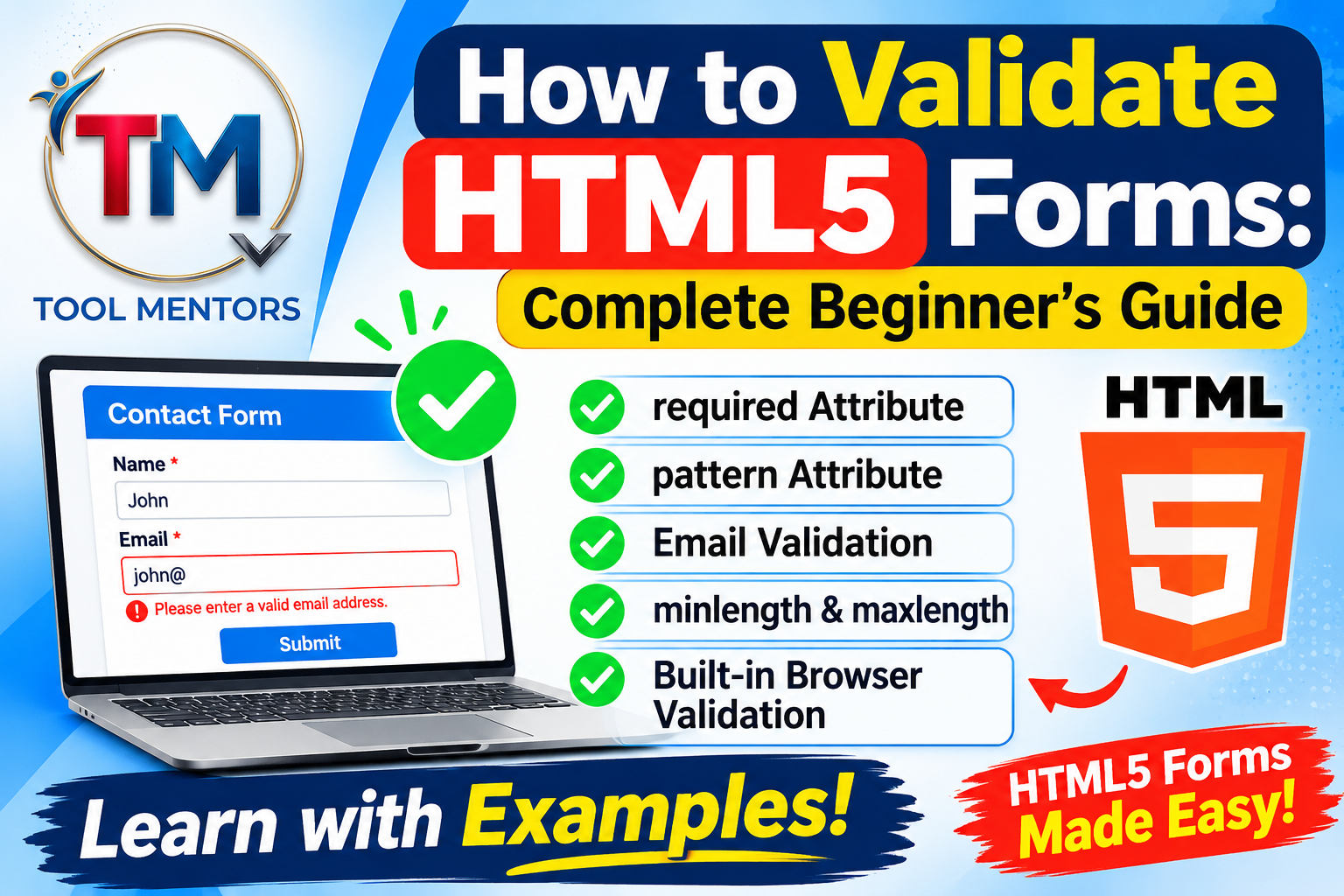
HTML5 form validation helps developers check user input before submitting a form. It ensures visitors enter the correct information, such as valid email addresses, required fields, and appropriate character lengths. The best part is that HTML5 provides built-in validation features, allowing you to validate forms without writing complex JavaScript code.
If you are learning web development, understanding how to validate HTML5 forms is an essential skill. Whether you are creating a registration form, contact form, or login page, proper validation improves the user experience and reduces incorrect submissions.
If you are new to HTML5, explore our HTML5 Complete Guide for Beginners to understand the fundamental concepts of modern HTML development.
In this guide, you will learn about HTML5 form validation attributes, email validation, pattern matching, the Constraint Validation API, and practical examples.
What Is HTML5 Form Validation?
HTML5 form validation is a built-in browser feature that checks whether information entered into an HTML form meets specific requirements before submission.
For example, you can require users to enter their names, provide valid email addresses, or create passwords containing a minimum number of characters.
HTML5 provides several attributes that allow browsers to check user input automatically. This reduces the need for additional JavaScript code when implementing basic validation.
How Do You Validate HTML5 Forms?
You can validate HTML5 forms using built-in attributes such as required, type, pattern, minlength, maxlength, min, and max.
Here is a simple HTML5 form validation example:
<form action="/submit" method="post">
  <label for="name">Full Name:</label>
  <input type="text" id="name" name="name" required>

  <label for="email">Email Address:</label>
  <input type="email" id="email" name="email" required>

  <label for="password">Password:</label>
  <input type="password" id="password"
         name="password" minlength="8" required>

  <button type="submit">Submit</button>
</form>
In this example, the browser checks whether users enter their names, provide a valid email format, and create passwords containing at least eight characters.
If the information does not meet these requirements, the browser displays a validation message and prevents normal form submission.
What Are the Main HTML5 Form Validation Attributes?
HTML5 provides several useful attributes that make form validation easier. Developers can apply them directly to input elements.
| Attribute | Purpose |
|---|---|
required |
Makes a field mandatory |
type="email" |
Checks basic email format |
pattern |
Validates input using a regular expression |
minlength |
Sets minimum character length |
maxlength |
Sets maximum character length |
min |
Defines the minimum permitted value |
max |
Defines the maximum permitted value |
step |
Defines permitted numeric increments |
These HTML5 form validation attributes help developers create forms that accept more accurate information.
For more practical web development tips, visit the ToolMentors Blog, where you can explore additional tutorials and guides.
How Does the Required Attribute Work in HTML5?
The required attribute ensures users cannot submit a form with an empty mandatory field.
Example:
<input type="text" name="username" required>When users try to submit the form without entering a username, the browser displays a message asking them to complete the field.
You can use this attribute with text fields, email fields, password fields, and other supported input types.
How Do You Validate Email Addresses in HTML5?
HTML5 provides the email input type to check whether users enter an email address in an acceptable format.
Example:
<form>
  <label for="email">Enter Your Email:</label>
  <input type="email" id="email" name="email" required>
  <button type="submit">Submit</button>
</form>
The browser checks the basic email syntax before allowing normal form submission.
However, this validation does not confirm whether an email address actually exists or belongs to the user. You need server-side verification for that purpose.
How to Use Pattern Validation in HTML5
The pattern attribute allows developers to define specific input rules using regular expressions.
For example, you can use it to validate a username containing only letters and numbers.
<form>
  <label for="username">Username:</label>
  <input type="text" id="username" name="username"
         pattern="[A-Za-z0-9]{5,12}"
         title="Enter 5 to 12 letters or numbers"
         required>
  <button type="submit">Submit</button>
</form>
In this example, the username must contain between 5 and 12 letters or numbers.
Pattern validation is useful for usernames, postal codes, product codes, and other fields that require a particular format.
Can You Validate HTML Forms Without JavaScript?
Yes. You can validate HTML forms without JavaScript by using native HTML5 validation attributes.
Example:
<form>
  <input type="email" name="email" required>
  <input type="number" name="age" min="18" max="60" required>
  <button type="submit">Register</button>
</form>
The browser automatically checks the email format and ensures the entered age falls between 18 and 60.
This approach is simple, lightweight, and suitable for many basic forms. However, JavaScript can provide more customised validation messages and interactive experiences.
What Is the HTML5 Constraint Validation API?
The HTML5 Constraint Validation API provides JavaScript methods and properties that allow developers to check and control form validation.
Some important methods and properties include:
checkValidity(): Checks whether an input or form meets its validation requirements.reportValidity(): Checks validity and displays browser validation messages.setCustomValidity(): Sets a custom validation message.validity: Provides information about an input’s validation status.validationMessage: Returns the browser’s current validation message.
Example:
<form id="myForm">
  <input type="email" id="email" required>
  <button type="submit">Submit</button>
</form>

<script>
  const form = document.getElementById("myForm");

  form.addEventListener("submit", function(event) {
    if (!form.checkValidity()) {
      event.preventDefault();
      form.reportValidity();
    }
  });
</script>
This example checks whether the form is valid before allowing normal submission.
HTML5 Form Validation vs JavaScript Form Validation
Both HTML5 and JavaScript can validate user input, but they work differently.
| Feature | HTML5 Validation | JavaScript Validation |
|---|---|---|
| Implementation | Built-in attributes | Custom scripts |
| Complexity | Easy | More flexible |
| Custom messages | Limited by default | Fully customisable |
| Advanced rules | Limited | Supports complex rules |
| Best use | Basic validation | Advanced validation |
For most basic forms, HTML5 validation is a good starting point. JavaScript is useful when you need more advanced rules or customised interactions.
Why Is Server-Side Validation Important?
Although HTML5 validation improves the user experience, it should never be your only security measure.
Users can disable browser validation, modify form data, or send requests directly to your server. Therefore, every important input must also be checked on the server.
Server-side validation helps protect websites against invalid data, unauthorised input, and potential security vulnerabilities.
For example, if a registration form requires a valid email address and a minimum password length, your server should check both conditions again before storing the information.
Frequently Asked Questions About HTML5 Form Validation
1. How do you validate HTML5 forms?
You can validate HTML5 forms using built-in attributes such as required, type="email", pattern, minlength, and maxlength. These attributes allow browsers to check user input before normal form submission.
2. What are the built-in HTML5 form validation attributes?
Common attributes include required, pattern, minlength, maxlength, min, max, and step. They define rules for different types of form inputs.
3. Can you validate HTML forms without JavaScript?
Yes. HTML5 provides native validation features that work directly in modern browsers without requiring JavaScript.
4. How does the required attribute work in HTML5 forms?
The required attribute makes an input field mandatory. The browser prevents normal form submission when the required field is empty.
5. What is the pattern attribute in HTML5 form validation?
The pattern attribute uses regular expressions to check whether user input matches a specified format, such as a username or postal code.
6. How do you validate email addresses in HTML5?
Use <input type="email"> to check the basic email address format. Add the required attribute if users must provide an email address.
7. What is the difference between HTML5 and JavaScript form validation?
HTML5 uses built-in browser attributes for basic validation, while JavaScript provides greater flexibility for advanced validation rules and customised messages.
8. How do min, max, minlength, and maxlength attributes work?
The min and max attributes define acceptable numeric or date boundaries, while minlength and maxlength specify the minimum and maximum number of characters in supported text inputs.
9. What is the HTML5 Constraint Validation API?
It is a browser API that allows developers to check input validity, display validation messages, and create custom validation rules using JavaScript.
10. Why is server-side validation important even when using HTML5 form validation?
Server-side validation provides an additional security layer because browser-based validation can be bypassed. It ensures submitted information is checked before being processed or stored.
Conclusion
Learning how to validate HTML5 forms is an important part of building reliable and user-friendly websites. HTML5 provides useful built-in attributes such as required, pattern, type="email", minlength, and maxlength to check user input without writing complicated JavaScript.
For more advanced requirements, you can combine HTML5 validation with JavaScript and server-side validation.
Explore more web development resources on ToolMentors and continue improving your HTML5 skills. If you find our tutorials helpful, you can also support ToolMentors by buying us a cup of coffee.