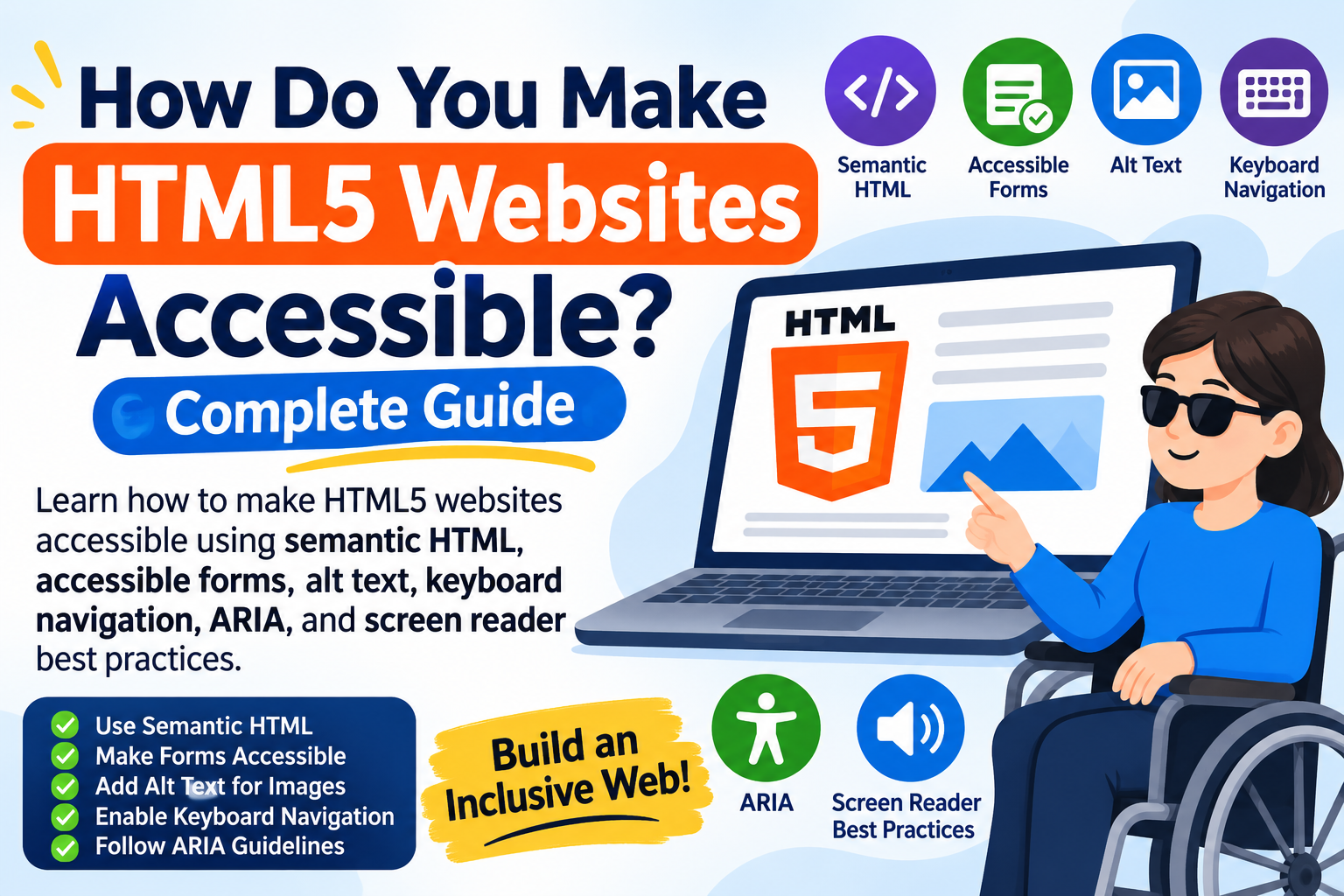
Making a website accessible means ensuring everyone can use it, including people with visual, hearing, motor, and cognitive disabilities. HTML5 provides several built-in features that help developers create websites that are easier to navigate, understand, and interact with.
If you are learning HTML5, understanding accessibility is an important part of building modern websites. By using semantic HTML elements, descriptive text, accessible forms, and keyboard-friendly navigation, you can improve the experience for all visitors.
In this guide, you will learn how to make HTML5 websites accessible, explore important accessibility features, and discover practical techniques for creating a more inclusive website.
1. Use Semantic HTML5 Elements
Semantic HTML is one of the most important HTML accessibility best practices. Semantic elements describe the purpose of different sections of a webpage, helping browsers, search engines, and assistive technologies understand its structure.
Instead of using generic <div> elements everywhere, use meaningful HTML5 elements such as:
-
<header>– Defines the introductory section of a webpage. -
<nav>– Identifies navigation links. -
<main>– Contains the main page content. -
<article>– Represents independent content. -
<section>– Groups related information. -
<aside>– Contains additional or supporting content. -
<footer>– Defines the footer section.
For example:
<header>
  <h1>HTML5 Accessibility Guide</h1>
</header>

<nav aria-label="Main navigation">
  <a href="/">Home</a>
  <a href="/blog/">Blog</a>
</nav>

<main>
  <article>
    <h2>Understanding Accessibility</h2>
    <p>Accessibility makes websites easier
    for everyone to use.</p>
  </article>
</main>

<footer>
  <p>Copyright 2026</p>
</footer>
Using semantic HTML creates a logical document structure and makes it easier for screen reader users to navigate your website.
2. Add Descriptive Alt Text to Images
Images provide valuable information, but visitors who use screen readers may not understand their content without text alternatives.
The HTML alt attribute allows developers to describe meaningful images.
Example:
<img src="html5-accessibility.jpg"
alt="Developer creating an accessible HTML5 website">
Follow these best practices:
-
Write clear and descriptive alt text.
-
Explain the purpose of meaningful images.
-
Use empty alt text (
alt="") for decorative images. -
Avoid unnecessary keyword stuffing.
-
Do not use filenames as image descriptions.
Proper image descriptions improve accessibility and help search engines understand image content.
3. Create Accessible HTML Forms
Forms allow visitors to register, contact businesses, subscribe to newsletters, and submit information. However, poorly designed forms can create problems for people using assistive technologies.
Always connect form labels with their corresponding input fields.
Example:
<form>
  <label for="email">Email Address:</label>

  <input
    type="email"
    id="email"
    name="email"
    required
  >

  <button type="submit">Submit</button>
</form>
Important HTML accessibility practices for forms include:
-
Provide descriptive labels for every input.
-
Use appropriate input types.
-
Identify required fields clearly.
-
Display helpful error messages.
-
Make form controls accessible using a keyboard.
-
Explain how users can correct invalid information.
Accessible forms make website interactions easier and more understandable.
4. Ensure Keyboard Navigation Works Properly
Not every website visitor uses a mouse. Some people navigate websites using keyboards, switch devices, or other assistive technologies.
Your HTML5 website should allow users to access interactive elements using keyboard controls.
Important keyboard accessibility practices include:
-
Use the Tab key to navigate interactive elements.
-
Use Enter or Space to activate buttons where appropriate.
-
Make sure users can see keyboard focus.
-
Maintain a logical navigation order.
-
Avoid keyboard traps.
-
Ensure menus and interactive components work without a mouse.
For example:
<button type="button">
  Explore HTML5 Tutorials
</button>
Native HTML buttons are keyboard accessible by default, making them preferable to clickable generic elements.
5. Use Proper Heading Structure
Headings help visitors understand the organization of your website content. They also allow screen reader users to navigate between different sections.
Use heading elements from <h1> to <h6> in a logical hierarchy.
Example:
<h1>HTML5 Website Accessibility</h1>

<h2>Accessibility Best Practices</h2>

<h3>Semantic HTML</h3>

<h3>Keyboard Navigation</h3>

<h2>Testing Website Accessibility</h2>
Follow these recommendations:
-
Use one clear main page heading.
-
Organize sections using descriptive headings.
-
Avoid choosing heading levels simply because of their visual appearance.
-
Do not skip heading levels without a good structural reason.
A well-organized heading structure improves readability and makes content easier to navigate.
6. Use ARIA Attributes When Necessary
ARIA stands for Accessible Rich Internet Applications. It provides additional information to assistive technologies when standard HTML elements do not communicate enough information about an interactive component.
ARIA attributes can improve HTML5 accessibility, particularly for dynamic content, custom controls, and interactive interfaces.
Common ARIA attributes include:
-
aria-label– Provides an accessible name. -
aria-labelledby– Connects an element to another element’s label. -
aria-describedby– Provides additional descriptive information. -
aria-hidden– Hides content from assistive technologies. -
aria-expanded– Indicates whether an expandable element is open or closed.
Example:
<button aria-label="Open navigation menu">
  ☰
</button>
However, remember that ARIA should not replace native HTML elements when those elements already provide the required accessibility.
For example, use a real <button> instead of creating a clickable <div> with multiple ARIA attributes.
7. Maintain Proper Colour Contrast
Colour contrast is another important part of web accessibility in HTML5. Visitors with low vision or colour blindness may struggle to read text when foreground and background colours are too similar.
To improve readability:
-
Use dark text on light backgrounds.
-
Maintain sufficient contrast between text and backgrounds.
-
Avoid communicating important information through colour alone.
-
Make links visually distinguishable.
-
Test text readability on different devices.
According to WCAG 2.2, normal-sized text generally requires a contrast ratio of at least 4.5:1, while large text requires 3:1 for Level AA compliance.
You can use online contrast-checking tools to evaluate your website’s colour combinations.
8. Add Captions and Transcripts to Multimedia
Videos and audio content can create accessibility barriers for visitors with hearing or visual disabilities.
HTML5 provides multimedia elements such as <audio> and <video>, which allow developers to add accessible media controls and text alternatives.
For videos, provide captions so people who cannot hear the audio can understand the spoken content.
Example:
<video controls>
  <source src="tutorial.mp4" type="video/mp4">

  <track
    src="captions.vtt"
    kind="captions"
    srclang="en"
    label="English"
    default
  >
</video>
For audio content, provide transcripts that include the spoken information.
These techniques make multimedia content more accessible and improve the overall user experience.
9. Define the Language of Your Website
Screen readers use the declared page language to pronounce words correctly. Without a language declaration, assistive technologies may incorrectly interpret the website’s content.
Add the lang attribute to your HTML element.
Example:
<!DOCTYPE html>
<html lang="en">
<head>
  <meta charset="UTF-8">
  <title>HTML5 Accessibility Guide</title>
</head>
<body>
  <h1>Welcome to HTML5 Accessibility</h1>
  <p>Learn how to build accessible websites.</p>
</body>
</html>
If your website contains content in multiple languages, you can also identify individual language sections using the lang attribute.
This small improvement helps screen readers interpret and pronounce content more accurately.
10. Test Your Website Accessibility
Implementing accessibility features is not enough. You should regularly test your website to identify problems that could prevent visitors from accessing its content.
Some useful HTML5 accessibility testing methods include:
-
Keyboard testing: Navigate the entire website without using a mouse.
-
Screen reader testing: Check how assistive technologies interpret website content.
-
Automated testing: Use accessibility testing tools to identify common issues.
-
Colour contrast testing: Verify that text is readable against background colours.
-
Mobile testing: Check whether interactive elements work correctly on smaller screens.
You can explore tools such as WAVE, axe DevTools, and Google Lighthouse to identify potential accessibility issues.
Remember that automated tools cannot identify every accessibility problem. Combining automated checks with manual testing provides a more complete evaluation.
Why Is HTML5 Accessibility Important for SEO?
HTML5 accessibility and SEO share several important principles. Both benefit from clear content structure, descriptive headings, meaningful links, and well-organized website elements.
Here are some important benefits:
-
Better content structure: Semantic HTML helps search engines understand different webpage sections.
-
Improved user experience: Accessible navigation makes websites easier to use.
-
Image understanding: Descriptive alt text provides context about images.
-
Mobile usability: Accessible controls support visitors using different devices.
-
Clearer content: Logical headings make information easier to understand.
Accessibility is not a direct Google ranking guarantee. However, implementing accessibility best practices can improve usability and support good technical SEO.
For more beginner-friendly tutorials, explore the HTML5 Complete Guide for Beginners on ToolMentors.
Frequently Asked Questions (FAQs)
1. What is HTML5 web accessibility?
HTML5 web accessibility means designing websites that everyone can use, including people with visual, hearing, motor, or cognitive disabilities.
2. How does HTML5 improve website accessibility?
HTML5 provides semantic elements, accessible forms, multimedia support, and structured content that help assistive technologies understand webpages.
3. What are the most important HTML5 accessibility features?
Important features include semantic elements, descriptive alt text, keyboard navigation, accessible forms, video captions, and proper heading structures.
4. Why is semantic HTML important for accessibility?
Semantic HTML explains the purpose of webpage elements, helping screen readers and other assistive technologies interpret website content.
5. How do you make HTML forms accessible?
Use descriptive labels, appropriate input types, clear instructions, validation messages, and keyboard-accessible form controls.
6. How can you make images accessible in HTML5?
Add descriptive alt text to meaningful images and use empty alt attributes for decorative images.
7. What HTML5 tags help screen readers?
Elements such as <header>, <nav>, <main>, <article>, <section>, and <footer> help screen readers understand webpage structure.
8. How do you make an HTML5 website keyboard accessible?
Use native interactive elements, maintain logical tab order, provide visible focus indicators, and ensure users can operate controls without a mouse.
9. What is the role of ARIA in HTML5 accessibility?
ARIA provides additional information to assistive technologies when native HTML semantics are insufficient, particularly for custom interactive components.
10. How can you test HTML5 website accessibility?
You can test accessibility using keyboard navigation, screen readers, WAVE, axe DevTools, and Google Lighthouse.
Conclusion
Making HTML5 websites accessible is essential for creating an inclusive and user-friendly online experience. By using semantic HTML, descriptive alt text, accessible forms, keyboard navigation, proper heading structures, and ARIA attributes when necessary, developers can make websites easier for everyone to use.
Regular accessibility testing also helps identify problems and maintain a better user experience.
Whether you are a beginner or an experienced developer, following these HTML accessibility best practices will help you build more inclusive websites while supporting good SEO practices.
Explore more tutorials on the ToolMentors homepage and discover helpful resources on the ToolMentors Blog.
If you find these tutorials helpful, consider supporting our work through Buy Us a Cup of Coffee.
SEO Publishing Checklist
| SEO Element | Recommendation |
|---|---|
| H1 | How Do You Make HTML5 Websites Accessible? |
| Primary keyword | How to make HTML5 websites accessible |
| Secondary keywords | HTML5 accessibility, semantic HTML for accessibility |
| URL slug | how-to-make-html5-websites-accessible |
| Content type | Informational blog |
| FAQs | 10 |
| Internal links | 4 |
| Suggested category | HTML5 Complete Guide for Beginners |