
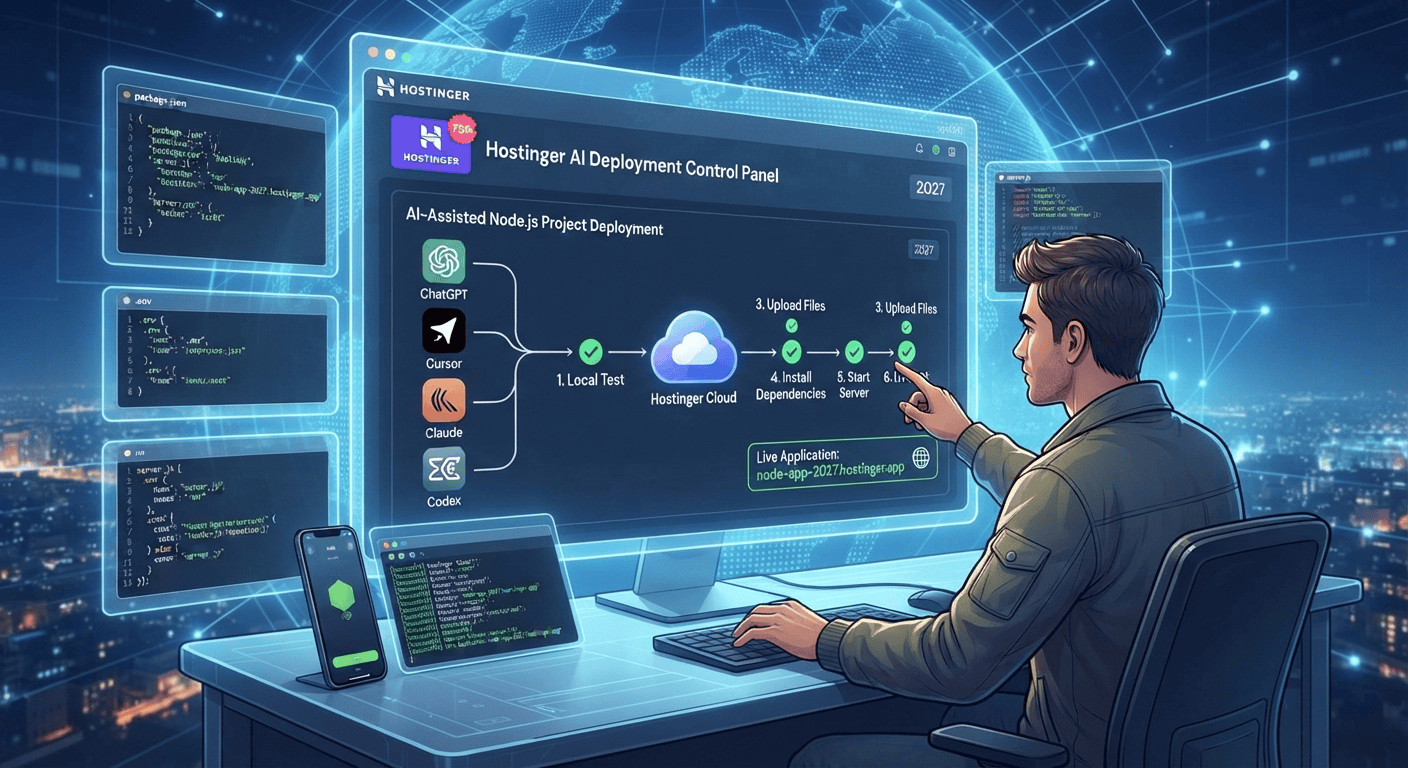
For AI-generated Node.js apps in 2027, the best hosting choice depends on your application’s resource requirements, Node.js support, deployment workflow, database needs, and expected traffic.
Hostinger can be a practical option for many developers, students, and freelancers when the selected plan supports the Node.js version, resources, and deployment features their application requires.

AI coding tools have made Node.js development much more accessible. Developers can now use tools such as ChatGPT, Cursor, Claude, and Codex to generate application code, create APIs, build database integrations, troubleshoot errors, and even prepare projects for deployment.
But there is an important step after generating the application: choosing the right hosting environment.
An AI-generated Node.js application still needs a server environment where it can run reliably. The right hosting choice depends on what you have built, how much traffic you expect, what database you use, and how much control you need over the server.
In this guide, we’ll look at what to consider when choosing hosting for AI-generated Node.js applications in 2027 and why Hostinger may be suitable for certain projects.
What Is an AI-Generated Node.js App?
An AI-generated Node.js application is a project where some or most of the code was created or assisted by an AI coding tool.
For example, you might ask ChatGPT:
“Create an Express.js REST API with authentication and a PostgreSQL database.”
Or you might use Cursor, Claude, or Codex to generate an entire project structure.
The resulting application might include:
- Node.js
- Express.js
- REST APIs
- Database connections
- Authentication
- Environment variables
- Frontend components
- Third-party APIs
- AI APIs
- File uploads
- Admin dashboards
AI can speed up development, but the resulting project still needs to be tested, secured, and deployed correctly.
What Should You Look for in Node.js Hosting?
Choosing hosting for an AI-generated application is different from choosing hosting for a basic static website.
Here are the most important factors.
1. Node.js Support
The first requirement is obvious: your hosting environment must support the Node.js application and version your project requires.
Before purchasing a hosting plan, check the current Node.js versions and application deployment features available with that plan.
Your project may depend on a specific Node.js runtime, especially if it uses newer JavaScript features or modern packages.
2. CPU and RAM
AI-generated applications can vary dramatically in complexity.
A simple API may require relatively few resources, while an application processing files, generating content, communicating with multiple APIs, or performing computationally intensive tasks may require substantially more.
Look at:
- CPU resources
- RAM
- Storage
- Concurrent processes
- Resource limits
- Traffic allowances
Don’t choose a plan solely because it is inexpensive. Match the resources to the application’s actual requirements.
3. Deployment Options
A good development workflow should make deployment straightforward.
Depending on the hosting environment, you may want support for:
- Git deployment
- File uploads
- SSH access
- Application management
- Environment variables
- Node.js version selection
- npm dependency installation
- Application logs
These features can make a major difference when you’re regularly updating an AI-generated project.
4. Database Support
Many Node.js applications aren’t standalone.
They may require:
- MySQL
- PostgreSQL
- MongoDB
- Redis
- External database services
Before selecting hosting, determine where your application’s database will live and whether your hosting environment supports the required connection method.
For example, an Express.js application might use an external database while the Node.js application itself runs on your hosting server.
5. Environment Variables
Production applications commonly use environment variables for sensitive configuration.
For example:
DATABASE_URL=your_database_url
API_KEY=your_api_key
JWT_SECRET=your_secret
Your hosting environment should provide a secure way to configure these values.
Never hardcode private API keys directly into publicly accessible source code.
Why Hostinger Can Be Considered for AI-Generated Node.js Apps
Hostinger offers hosting products across different use cases, but the suitability of a particular plan depends on your application’s technical requirements.
For a student building a small Node.js project, a freelancer deploying a client application, or a developer running a relatively lightweight backend, a suitable Hostinger plan can provide a convenient starting point.
However, you should always check the current plan specifications and Node.js support before purchasing because hosting features, resource limits, and deployment interfaces can change.
Step-by-Step: Choosing Hostinger for an AI-Generated Node.js App
Step 1: Understand Your Application
First, identify what your AI-generated application actually does.
Ask yourself:
- Is it an Express.js API?
- Does it use a database?
- Does it process files?
- Does it call AI APIs?
- Does it have user authentication?
- How many users do you expect?
- How much storage is required?
- Does it need background jobs?
- Does it require persistent processes?
For example, a small portfolio API has very different requirements from an AI-powered SaaS platform.
Step 2: Check the Node.js Requirements
Open your package.json and examine the dependencies.
You may also find an engines configuration such as:
{
  "engines": {
    "node": ">=20"
  }
}
If your project requires a particular Node.js version, make sure your selected hosting environment supports it.
Step 3: Test the Application Locally
Before paying for hosting, make sure the application actually works.
Run:
npm install
Then:
npm start
Test the major features.
If you encounter an error, use your AI coding assistant to troubleshoot it before deployment.
This is especially important for AI-generated applications because generated code can sometimes contain incorrect assumptions, outdated packages, or configuration problems.
Step 4: Prepare Your Production Configuration
Your local environment might contain configuration that shouldn’t be copied directly to production.
Create a clear production configuration.
For example:
const PORT = process.env.PORT || 3000;

app.listen(PORT, () => {
    console.log(`Application running on port ${PORT}`);
});
Avoid hardcoding secrets or local computer paths.
Your .gitignore should normally include:
node_modules/
.env
Step 5: Select an Appropriate Hostinger Plan
Once you understand your requirements, compare them with the current Hostinger plans that support your application’s needs.
Consider:
- Node.js availability
- RAM
- CPU
- Storage
- Bandwidth
- Database options
- Deployment features
- Domain support
- SSL
- Backup options
- Scalability
For a small project, you may not need a high-resource environment.
For a larger application, additional resources may become important.
AI-Generated Node.js Apps: Shared Hosting vs VPS
One of the most important decisions is the type of hosting environment.
Shared or Managed Environment
A managed environment can be attractive if you want less server administration.
Benefits can include:
- Easier setup
- Less server maintenance
- Simpler management
- Lower technical overhead
This can be useful for students and freelancers who want to focus on application development rather than server administration.
However, you must verify that the specific plan supports your Node.js application’s requirements.
VPS
A VPS provides greater control over the server environment.
It may be more appropriate for applications that require:
- Custom server configuration
- More CPU or RAM
- Greater control
- Multiple services
- Custom deployment workflows
- Advanced background processes
The tradeoff is that VPS environments can require more server-management knowledge.
You may need to manage:
- Linux
- SSH
- Firewalls
- Updates
- Processes
- Security
- Backups
- Web servers
- Application monitoring
Hosting Requirements for AI-Powered Node.js Applications
Not every AI-generated Node.js app is an AI application.
For example, Cursor may generate a simple calculator API. That is an AI-assisted application but doesn’t necessarily require AI processing on the server.
An AI-powered application may instead connect to external services such as an AI API.
For example:
User
  ↓
Node.js Application
  ↓
AI API
  ↓
Node.js Application
  ↓
User
In this architecture, your hosting server may mainly handle web requests while the AI provider performs the model processing.
This distinction is important when estimating hosting requirements.
Benefits for Freelancers
AI-assisted development combined with suitable hosting can create an efficient workflow for freelancers.
You can use AI tools to:
- Build prototypes
- Generate API endpoints
- Create database models
- Debug code
- Write documentation
- Refactor applications
- Create admin dashboards
- Prepare deployment files
Once the project has been tested, you can deploy it to a suitable hosting environment.
This can make it easier to offer custom Node.js development services to clients.
Benefits for Students
Students can use AI-generated Node.js applications as practical learning projects.
Instead of only reading programming tutorials, you can build something real.
For example:
Project 1: Task Manager
Create a Node.js API that allows users to create, edit, and delete tasks.
Project 2: Expense Tracker
Build an application that stores expenses in a database and generates reports.
Project 3: AI Content Tool
Create a Node.js application that accepts user input and sends it to an AI API.
Project 4: URL Shortener
Build a backend that generates short URLs and tracks clicks.
These projects can help students learn about APIs, databases, authentication, hosting, and production deployment.
How to Optimize an AI-Generated Node.js App Before Hosting
Generating code is only the beginning.
Before production deployment, review the application carefully.
Remove Unnecessary Dependencies
AI tools may suggest packages that aren’t actually required.
Review your package.json and remove unnecessary dependencies.
Add Error Handling
Your application should gracefully handle unexpected requests and service failures.
Validate User Input
Never trust user-submitted data.
Validate forms, API parameters, file uploads, and other inputs.
Protect API Keys
Store sensitive credentials in environment variables.
Test Authentication
If your application has login functionality, test authentication and authorization thoroughly.
Monitor Logs
After deployment, monitor errors and application logs to identify problems early.
Common Hosting Mistakes With AI-Generated Apps
Avoid these mistakes:
Uploading node_modules
You generally don’t need to transfer your local node_modules directory. Install dependencies in the appropriate server environment instead.
Hardcoding the Port
Use the hosting environment’s port configuration where applicable.
Publishing .env
Never publicly expose secrets.
Ignoring Resource Limits
An application that works locally may behave differently when it reaches server resource limits.
Skipping Security Review
AI-generated code should always be reviewed before handling real user information or sensitive data.
Choosing Hosting Before Understanding the App
Know what your application requires first. Then select hosting.
Hostinger vs Other Hosting Options
There isn’t one hosting provider that is automatically correct for every Node.js application.
Depending on your project, you may encounter several categories of hosting:
| Hosting Type | Suitable For |
|---|---|
| Managed hosting | Beginners and simpler applications |
| VPS | Developers needing greater server control |
| Cloud platforms | Applications requiring flexible infrastructure |
| Specialized app platforms | Developers wanting streamlined deployments |
| Dedicated servers | Resource-intensive workloads |
The right choice depends on your application’s architecture, traffic, budget, technical requirements, and desired level of server management.
For developers considering Hostinger, the important step is to select a plan that actually supports the application’s Node.js and resource requirements.
Final Checklist
Before deploying your AI-generated Node.js application, check the following:
- Node.js version is supported
- Application works locally
-
package.jsonis correct - Production start command works
- Dependencies are properly declared
- Environment variables are configured
- API keys are protected
- Database connection works
- User input is validated
- Authentication has been tested
- Hosting resources match expected usage
- Domain is configured
- HTTPS is enabled where applicable
- Application logs are monitored
- Backup strategy is available
Conclusion: Best Hosting for AI-Generated Node.js Apps in 2027
The best hosting for an AI-generated Node.js application depends on what you built rather than simply which AI tool generated the code.
Whether your project was created with ChatGPT, Cursor, Claude, or Codex, evaluate Node.js support, CPU and RAM, deployment options, databases, environment variables, security, scalability, and server-management requirements before choosing a hosting plan.
Hostinger can be a practical option for many smaller Node.js projects and developers who want a convenient hosting environment, provided the selected plan supports their application’s specific requirements.
For students, freelancers, and developers, the most important workflow is simple: build with AI, test locally, review the code, choose suitable hosting, deploy carefully, and monitor the application after launch.
🚀 Get an Exclusive 75% Discount on Hostinger
Ready to put your AI-generated Node.js application online?
You can explore Hostinger’s current hosting options and use the exclusive referral offer below.
Get 75% Off Hostinger
👉 Get Your Exclusive 75% Discount
Whether you’re building your first Node.js project, creating a freelance client application, or launching an AI-powered web app, make sure your hosting plan matches your application’s actual technical and resource requirements.

