
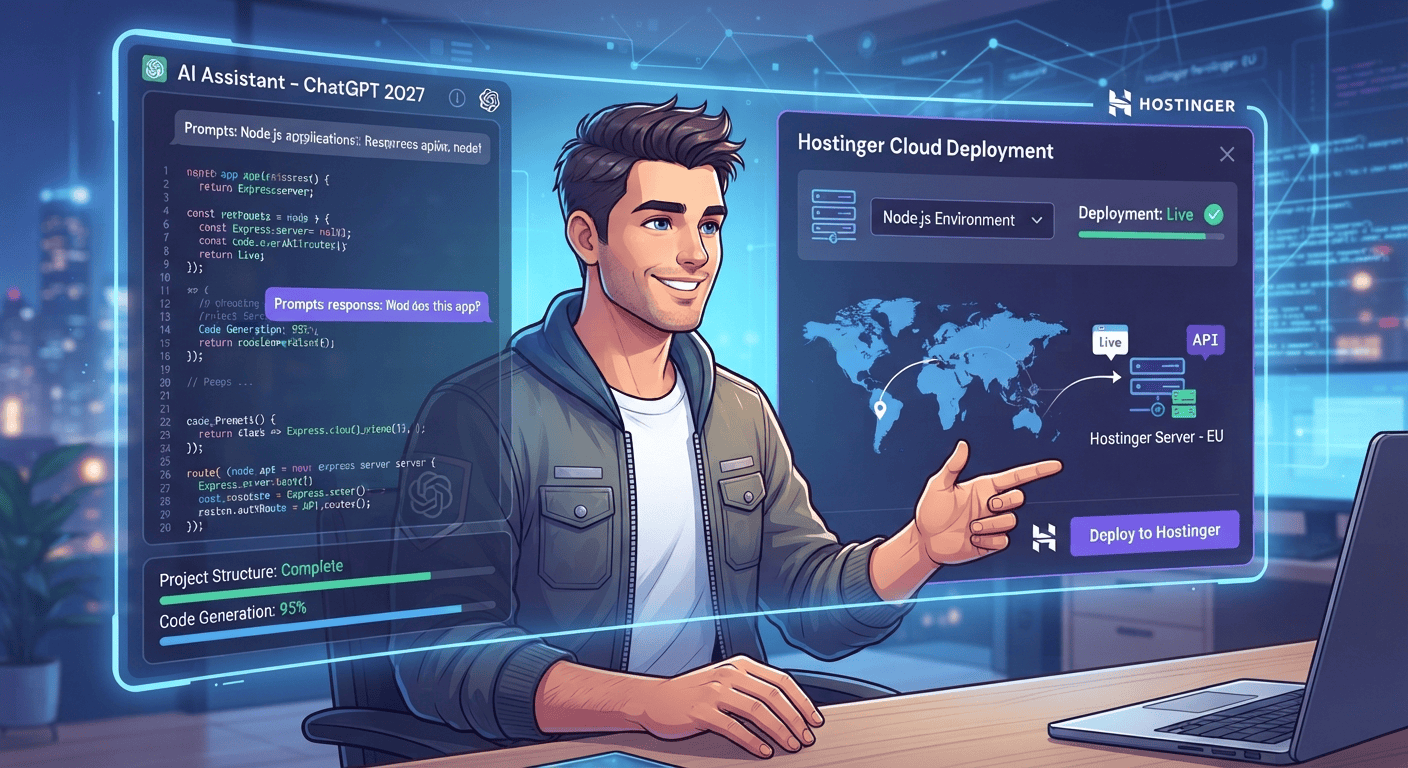
Yes, ChatGPT can help you create a complete Node.js app for Hostinger in 2027, including the code, project structure, configuration files, and deployment instructions.
You can use ChatGPT to build or troubleshoot your Node.js project and then deploy it to a suitable Hostinger hosting environment that supports Node.js applications.
Building a Node.js application used to require a strong understanding of JavaScript, backend development, server configuration, and deployment. In 2027, AI coding assistants such as ChatGPT have made the development process much easier, allowing beginners, students, freelancers, and experienced developers to create functional Node.js applications with significantly less manual coding.
But creating the application is only one part of the process. You also need to configure the project correctly, upload the files, install dependencies, set environment variables, configure the Node.js application, and make sure the application works correctly on your hosting server.
If you are planning to use Hostinger for a Node.js project, this guide explains how ChatGPT can help you from the initial idea all the way through deployment.
Can ChatGPT Really Create a Node.js App?
Yes. ChatGPT can generate the code and structure required for many types of Node.js applications.
For example, you can ask ChatGPT to create:
- A Node.js REST API
- An Express.js application
- A backend for a website
- A contact form API
- A database-driven application
- An authentication system
- A URL shortener
- A file-upload application
- A dashboard backend
- A simple SaaS application
- An API for an AI-powered tool
- A Node.js application that connects to third-party APIs
Instead of simply asking:
“Create a Node.js app.”
you can provide a detailed specification.
For example:
“Create a Node.js and Express.js application with a REST API, environment variables, error handling, a MongoDB connection, and a production-ready package.json file.”
ChatGPT can then generate the individual files and explain how they work.
What Can ChatGPT Generate for Your Node.js Project?
One of the biggest advantages of using ChatGPT for development is that it can help create more than just JavaScript code.
A typical Node.js project may contain files such as:
my-node-app/
├── package.json
├── server.js
├── .env
├── .gitignore
├── routes/
├── controllers/
├── models/
├── middleware/
└── public/
Depending on your project, ChatGPT can help generate each component.
1. package.json
The package.json file defines important information about your application, including dependencies and scripts.
For example:
{
  "name": "my-node-app",
  "version": "1.0.0",
  "scripts": {
    "start": "node server.js"
  },
  "dependencies": {
    "express": "^5.0.0"
  }
}
ChatGPT can also explain which packages your application needs and help troubleshoot dependency conflicts.
2. Server Code
ChatGPT can generate your main Node.js or Express.js server.
A basic example could look like:
const express = require("express");

const app = express();
const PORT = process.env.PORT || 3000;

app.use(express.json());

app.get("/", (req, res) => {
    res.send("Node.js app is running!");
});

app.listen(PORT, () => {
    console.log(`Server running on port ${PORT}`);
});
This gives you a starting point for a working Node.js application.
3. Environment Variables
Production applications often need environment variables for API keys, database credentials, application settings, and other configuration values.
For example:
PORT=3000
DATABASE_URL=your_database_url
API_KEY=your_api_key
You should never publish sensitive API keys or passwords directly inside your source code.
ChatGPT can help you structure your .env file and explain how to configure environment variables for your hosting environment.
Step-by-Step: Create a Node.js App With ChatGPT
Step 1: Define Your Project
Before asking ChatGPT to write code, explain exactly what you want to build.
For example:
“I want to create a Node.js application that allows users to submit a form and saves the submitted information into a database.”
The more specific your requirements are, the more useful the generated code will be.
Mention:
- Application purpose
- Required pages
- Database
- Authentication
- APIs
- User roles
- Required packages
- Hosting environment
- Node.js version
- Production requirements
Step 2: Ask ChatGPT to Create the Project Structure
Once the requirements are defined, ask ChatGPT to provide a complete project structure.
For example:
“Create a production-ready folder structure for my Node.js application and explain what each folder does.”
This helps you understand where routes, controllers, models, middleware, and configuration files belong.
Step 3: Generate the Code
You can then ask ChatGPT to create the application one component at a time.
This is usually better than asking for a huge application in one prompt.
For example:
- Create
package.json. - Create the Express server.
- Create API routes.
- Add database connectivity.
- Add authentication.
- Add validation.
- Add error handling.
- Add security improvements.
- Prepare the project for production.
This approach also makes debugging easier.
Step 4: Test the Application Locally
Before uploading your application to Hostinger, test it locally.
Install Node.js on your computer and open your project directory.
Then install the dependencies:
npm install
Start the application:
npm start
If your application uses a development script, you might instead use:
npm run dev
Open the appropriate local URL in your browser and test the application.
Check:
- Pages
- API endpoints
- Forms
- Database connections
- Authentication
- File uploads
- Error handling
- Environment variables
If something does not work, you can copy the error message into ChatGPT and ask it to explain the problem.
Step 5: Prepare Your Node.js App for Hostinger
Before deployment, make sure your application is production-ready.
Important checks include:
Use the Correct PORT
Your application should not always assume that it will run on a fixed port.
A common approach is:
const PORT = process.env.PORT || 3000;
This allows the hosting environment to provide the appropriate port when required.
Add a Start Script
Your package.json should include an appropriate production start command.
For example:
"scripts": {
  "start": "node server.js"
}
Protect Sensitive Information
Do not upload private API keys, passwords, or database credentials to a public Git repository.
Use environment variables instead.
Check Dependencies
Make sure every package required by your application appears in package.json.
Then test:
npm install
and:
npm start
before deployment.
Step 6: Deploy the Node.js App to Hostinger
Hostinger can be a practical option for developers who want to host websites and applications from one provider, but the exact Node.js deployment options can depend on the hosting plan and the current features available on that plan.
Before purchasing or deploying, verify that your selected Hostinger plan supports the Node.js application setup your project requires.
Once you have a compatible hosting environment, the general deployment process involves:
- Purchase or select a suitable hosting plan.
- Access the hosting control panel.
- Set up the Node.js application.
- Select the appropriate Node.js version.
- Upload your project files or deploy through your preferred workflow.
- Install the required npm dependencies.
- Configure environment variables.
- Set the application startup file or start command.
- Connect your domain or subdomain.
- Start the application.
- Test the live website or API.
The exact interface and available options may change over time, so always follow the current Hostinger documentation and control-panel instructions for your specific plan.
Can ChatGPT Help With Hostinger Deployment Errors?
Yes. This is another area where ChatGPT can be particularly useful.
For example, if your application produces an error such as:
Cannot find module 'express'
you can provide the complete error message to ChatGPT and ask for a troubleshooting process.
Other common deployment problems may include:
- Application not starting
- Incorrect startup file
- Missing npm packages
- Incorrect Node.js version
- Incorrect environment variables
- Database connection failures
- Port configuration problems
- Permission issues
- Incorrect file paths
- API requests returning errors
- Domain or SSL configuration problems
Instead of guessing, provide ChatGPT with the exact error message, relevant configuration, and the command you used.
Can ChatGPT Create a Production-Ready Node.js App Automatically?
ChatGPT can help you build a strong starting point, but you should not assume that AI-generated code is automatically production-ready.
Before launching an application, review:
Security
Check authentication, authorization, input validation, API keys, database permissions, and other security controls.
Performance
Review database queries, unnecessary requests, memory usage, and application architecture.
Error Handling
Make sure your application handles unexpected requests without exposing sensitive information.
Dependencies
Keep your packages updated and remove dependencies that your application does not need.
Testing
Test the application’s main functions before sending real users to the production website.
AI can accelerate development, but human review remains important.
Why Use ChatGPT to Build Node.js Apps?
There are several practical benefits.
Faster Development
Instead of manually searching for every syntax example, you can ask ChatGPT to generate a starting implementation.
Better Learning
Students can ask ChatGPT to explain code line by line rather than simply copying it.
Faster Debugging
Developers can provide error messages and receive possible causes and troubleshooting steps.
Lower Development Barrier
People who understand basic web development can use AI assistance to experiment with backend technologies that might otherwise have a steep learning curve.
Useful for Freelancers
Freelancers can use AI to accelerate repetitive development tasks, create prototypes, document code, and troubleshoot client projects.
Can Beginners Use ChatGPT and Hostinger Together?
Absolutely, provided they understand the basics of what they are deploying.
A beginner can start with a small project such as:
- A simple API
- A personal dashboard
- A URL shortener
- A contact form backend
- A basic task manager
- A small AI-powered tool
Start small rather than attempting to create a complex SaaS platform immediately.
Once the basic application works, you can gradually add authentication, databases, APIs, dashboards, and other functionality.
Hostinger for AI-Generated Node.js Applications
AI-generated applications can range from simple Node.js scripts to complete backend systems.
If you are using ChatGPT or another AI coding assistant to build your project, hosting is the next important step.
Hostinger can be considered when you want a hosting provider that brings your website and application infrastructure into one place. However, always check the current Node.js support, resource limits, deployment features, and plan specifications before choosing a hosting package for a specific application.
For a beginner or freelancer, having your domain, hosting, and deployment environment organized under one provider can make the overall workflow easier to manage.
Tips for Deploying AI-Generated Node.js Apps
Before going live, use this checklist:
- Test the application locally.
- Check
package.json. - Confirm the Node.js version.
- Make sure all dependencies are installed.
- Configure environment variables.
- Never expose private API keys.
- Test database connectivity.
- Configure the correct startup command.
- Check application logs.
- Connect your domain.
- Enable HTTPS where appropriate.
- Test the application on desktop and mobile.
- Monitor errors after launch.
- Keep dependencies updated.
Final Thoughts
So, can ChatGPT create a Node.js app for Hostinger in 2027?
Yes. ChatGPT can significantly simplify the process of planning, coding, debugging, documenting, and preparing a Node.js application for deployment.
However, successful deployment still requires you to understand the hosting environment and configure the application correctly. ChatGPT should be treated as a development assistant rather than a replacement for testing, security review, and production configuration.
For students, freelancers, developers, and entrepreneurs, the combination of AI-assisted development and a suitable hosting environment can make it much easier to turn an idea into a working Node.js application.
If you are starting a new AI-generated Node.js project, build a small version first, test it locally, prepare it for production, and then deploy it to a Hostinger plan that supports your application’s requirements.
🚀 Get Started With Hostinger
Ready to turn your AI-generated Node.js project into a live application?
Get an exclusive 75% discount on Hostinger and start building your website or application with a suitable hosting plan.
👉 Get Your Exclusive 75% Discount
Whether you’re a student learning Node.js, a freelancer building projects for clients, or a developer launching an AI-generated application, getting your hosting environment ready is the next step toward putting your project online.

