
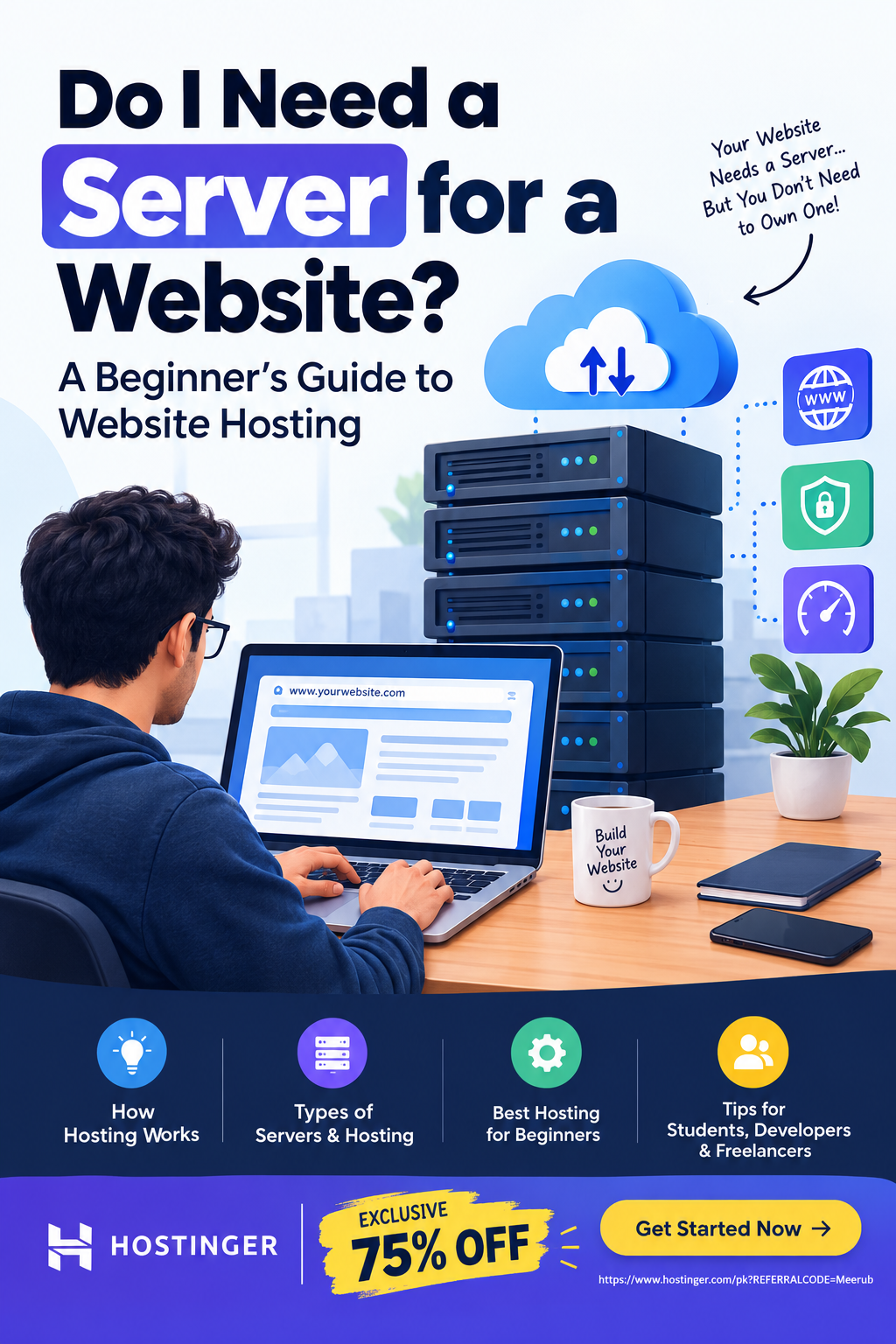
You do need a server for a website to be accessible online, but you usually do not need to buy or manage your own physical server. Web hosting providers such as Hostinger provide server space and the infrastructure needed to store your website and deliver it to visitors.
What Is a Server for a Website?
A server is a computer that stores your website’s files and makes them available to people when they visit your domain name. These files can include HTML, CSS, JavaScript, images, videos, databases, and other resources required for your website to function.
Think of a website as a house and a server as the land and building where that house exists.
When someone enters your website address into a browser, such as example.com, the browser needs to find the server where your website is hosted. The server then sends the required website files back to the visitor’s browser, allowing the webpage to load.
For example, if you create a WordPress website, your hosting server may store:
- WordPress core files
- Themes
- Plugins
- Images and media
- Database information
- CSS and JavaScript files
- Website configuration files
Without a server or hosting environment, those website files would have nowhere to be stored for public access.
Do You Need to Buy Your Own Server?
No. Most website owners do not need to purchase their own physical server.
Instead, you can use a web hosting service. A hosting company owns and maintains powerful servers in data centers and allows customers to use a portion of those server resources.
This is much easier and more affordable than purchasing and maintaining your own physical server.
A hosting provider generally takes care of infrastructure such as:
- Server hardware
- Network connectivity
- Data center infrastructure
- Server maintenance
- Security features
- Backups, depending on the plan
- Server monitoring
- Resource management
This means a beginner can launch a website without knowing how to build or maintain a physical server.
How Does Website Hosting Work?
Understanding the basic process makes the concept much easier.
Step 1: Create Your Website
First, you need to build your website. You can use different technologies depending on your requirements.
For example:
- WordPress for blogs and business websites
- HTML/CSS/JavaScript for static websites
- PHP and MySQL for dynamic websites
- Node.js for JavaScript-based applications
- Next.js for modern web applications
Step 2: Choose a Hosting Provider
Once your website is ready, you need somewhere to host it.
A hosting provider gives you access to server resources where your website files can be stored.
For beginners, shared hosting is often sufficient for a small website because the hosting company manages the underlying server infrastructure.
Step 3: Connect Your Domain
Your domain name is the address visitors use to find your website.
For example:
yourwebsite.com
The domain needs to be connected to your hosting account using DNS settings or nameservers.
Once the connection is correctly configured, visitors can enter your domain and reach the server hosting your website.
Step 4: Upload or Install Your Website
You then need to place your website on the hosting server.
Depending on your hosting provider and website type, you may:
- Upload files using a file manager
- Use FTP
- Connect GitHub
- Install WordPress
- Deploy a web application
- Upload a database
Many modern hosting platforms simplify this process with dashboards and automated installation tools.
Step 5: Visitors Access Your Website
When someone visits your domain, the browser communicates with the appropriate server.
The general process looks like this:
Visitor → Domain → DNS → Hosting Server → Website Files → Browser
The server processes the request and sends the required information to the visitor’s browser.
What Is the Difference Between a Server and Web Hosting?
These terms are closely related, but they are not exactly the same.
A server is the physical or virtual computing environment that runs applications and stores data.
Web hosting is the service that provides you with access to server resources so your website can be published online.
For example, imagine a large apartment building.
The server is like the entire building, while web hosting is like renting one apartment or a portion of the building.
You don’t need to own the entire building just because you need a place for your website. You can rent the resources you need from a hosting company.
Types of Servers and Hosting You Can Use
Not every website requires the same level of server resources.
Shared Hosting
With shared hosting, multiple websites use resources on the same physical server.
It is commonly suitable for:
- Personal blogs
- Small business websites
- Portfolio websites
- New websites
- Informational websites
- Small WordPress sites
The main advantage is affordability and simplicity.
VPS Hosting
A Virtual Private Server (VPS) provides a more isolated environment and greater control over server resources.
VPS hosting can be useful for:
- Growing websites
- Custom applications
- Developers
- Websites requiring additional server control
- Applications with higher resource requirements
However, VPS hosting generally requires more technical knowledge than basic shared hosting.
Dedicated Server
A dedicated server gives you an entire physical server for your website or applications.
This can provide significant control and resources, but it is usually unnecessary for beginners and small websites.
Dedicated servers are more commonly considered when a website has substantial traffic, specialized requirements, or demanding workloads.
Cloud Hosting
Cloud hosting distributes resources across a cloud infrastructure rather than relying on a single traditional hosting environment.
It can provide scalability and flexibility for websites and applications whose resource requirements change over time.
Do You Need a Server for WordPress?
Yes, but you don’t need to manage the physical server yourself.
If you create a WordPress website, the WordPress files and database need to be hosted on a server connected to the internet.
For a new WordPress website, a managed or beginner-friendly hosting solution can make the process much easier.
Instead of configuring operating systems, databases, web servers, security settings, and other infrastructure manually, you can use a hosting control panel designed for website owners.
Do You Need a Server for a Small Business Website?
Usually, you do not need to purchase a dedicated physical server.
A small business website with a few pages, contact forms, images, and a blog can often start with an appropriate shared hosting plan.
As traffic and resource requirements increase, you can upgrade your hosting environment.
The important thing is to select hosting based on your website’s actual needs rather than paying for server resources you don’t currently require.
What Hosting Should a Beginner Choose?
If you’re launching your first website, look for hosting that provides:
- Easy website installation
- SSL support
- Reliable uptime
- Adequate storage
- Sufficient bandwidth
- Website backups
- Security features
- A simple control panel
- Customer support
- An upgrade path as your website grows
Hostinger can be considered by beginners because it provides hosting services that allow you to launch websites without purchasing and managing your own physical server.
How to Get Your Website Online With Hosting
The basic process is straightforward:
- Choose a hosting plan.
- Register a domain or connect an existing domain.
- Set up your hosting account.
- Install WordPress or upload your website.
- Connect your domain through DNS.
- Enable SSL/HTTPS.
- Test your website on desktop and mobile.
- Publish your website.
For someone starting a blog, portfolio, business website, or small online project, this approach is significantly simpler than purchasing a physical server.
Do Developers Ever Need Their Own Server?
Developers sometimes need greater control over their server environment.
For example, a developer building a custom Node.js application may require specific versions of Node.js, environment variables, databases, background processes, or deployment configurations.
In such situations, VPS, cloud, or other application-oriented hosting can provide more flexibility.
However, even developers don’t necessarily need to purchase physical hardware. They can rent virtual server resources from hosting providers or cloud platforms.
This is particularly useful for freelancers and developers because they can create and deploy projects without investing in expensive server hardware.
Why Hosting Is Better Than Buying a Physical Server for Most Beginners
Buying your own server may sound attractive, but it introduces additional responsibilities.
You would potentially need to deal with:
- Hardware costs
- Electricity
- Internet connectivity
- Cooling
- Hardware failures
- Security
- Operating system updates
- Server configuration
- Backups
- Monitoring
- Network reliability
With professional web hosting, much of the infrastructure is already provided.
For students, freelancers, bloggers, and small businesses, this can reduce both technical complexity and upfront costs.
Final Answer: Do I Need a Server for a Website?
Yes, your website needs a server environment to store its files and serve them to visitors, but you usually don’t need to own a physical server.
For most beginners, the practical solution is to purchase web hosting from a hosting provider. The hosting company provides the server infrastructure, while you focus on creating, managing, and growing your website.
As your website becomes larger or requires more resources, you can move from shared hosting to VPS, cloud, or dedicated hosting depending on your technical and performance requirements.
Get Website Hosting at an Exclusive 75% Discount
Ready to launch your website without purchasing or managing your own physical server?
Hostinger provides hosting infrastructure that can help beginners, students, developers, freelancers, and small businesses get their websites online without dealing with physical server management.
🔥 Exclusive 75% Discount
Use the link below to check the available Hostinger hosting plans and claim the exclusive 75% discount offer:
Get Hostinger Hosting – Claim 75% Discount
Whether you’re launching a WordPress blog, portfolio, business website, or development project, starting with suitable web hosting can give you the server infrastructure you need without the cost and complexity of owning a physical server.

