
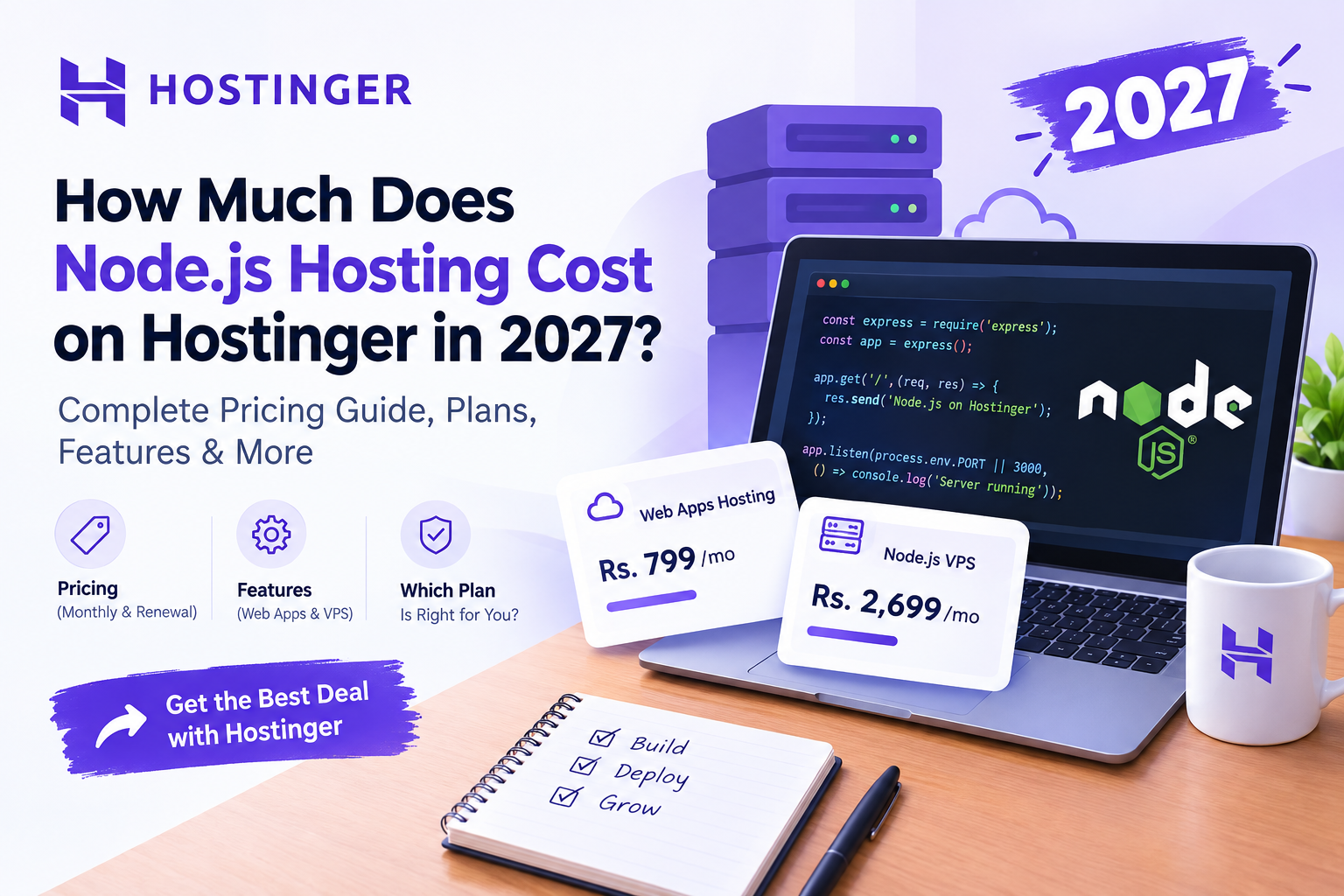
Node.js hosting on Hostinger in 2027 depends on the hosting plan, subscription length, and available resources, with pricing varying by package and promotional offers. Before choosing a plan, compare the total subscription cost, renewal price, Node.js support, and server resources to find the right option for your application.
Pricing note: The prices below are Hostinger Pakistan prices available at the time of research, not guaranteed 2027 rates. Promotional prices, subscription terms, and renewal costs may change.
2. Comprehensive Article
How Much Does Node.js Hosting Cost on Hostinger?
Node.js hosting costs depend on the type of hosting you choose, the resources your application needs, and how long you subscribe. Hostinger offers managed Node.js hosting for developers who want a simplified deployment process and VPS hosting for those who need greater server-level control.
For beginners, students, and freelancers, the key is to choose a plan that supports their application without paying for unnecessary resources.
Hostinger Node.js Hosting Pricing in Pakistan
Hostinger currently lists two dedicated Node.js hosting options: Web Apps Hosting and Node.js on VPS. The main difference is the amount of server management and control included.
|
Hosting option |
Advertised monthly rate |
Renewal rate |
|---|---|---|
|
Web Apps Hosting |
Rs. 799/mo |
Rs. 2,299/mo |
|
Node.js on VPS |
Rs. 2,699/mo |
Rs. 4,099/mo |
Rates shown are promotional rates on Hostinger Pakistan’s current Node.js hosting page. The displayed monthly price is based on paying for the full subscription upfront.
These are not necessarily the prices you will see in 2027. Always check the checkout page for the latest total, subscription duration, and renewal terms before purchasing.
What Is Included in Hostinger’s Node.js Hosting Plans?
1. Web Apps Hosting
Web Apps Hosting is a managed option designed for developers who want to deploy applications without managing every aspect of the server.
The currently advertised package includes:
-
2 vCPU and 3 GB RAM.
-
50 GB NVMe storage.
-
Unlimited bandwidth.
-
GitHub integration and deployment directly from an IDE.
-
Managed MySQL database.
-
Daily and on-demand backups.
-
Managed SSL, CDN, WAF, and DDoS protection.
These features can reduce the amount of infrastructure setup required for a typical web application.
Who should consider it?
-
Students building their first Node.js project.
-
Freelancers deploying client applications.
-
Developers creating portfolio websites or small business applications.
-
Teams that prefer managed infrastructure over server administration.
2. Node.js on VPS
A Virtual Private Server (VPS) gives you a virtual server with dedicated resources and greater control over its configuration.
Hostinger’s currently advertised Node.js VPS option includes:
-
2 vCPU and 8 GB RAM.
-
100 GB NVMe storage.
-
8 TB bandwidth.
-
Full root access.
-
Docker Manager and firewall management.
-
Weekly backups.
The VPS option is designed for users who need more control over the runtime, server configuration, or deployment workflow.
Who should consider it?
-
Developers running custom Node.js backends.
-
Freelancers managing multiple applications.
-
Businesses with resource-intensive workloads.
-
Developers who need Docker, custom services, or root-level access.
Managed Node.js Hosting vs. VPS: Which Costs Less?
The advertised managed hosting price is lower than the dedicated Node.js VPS price. However, the lowest monthly rate is not always the lowest long-term cost.
For example, managed hosting is useful when you want to spend more time writing code and less time configuring servers. A VPS may require additional time for server setup, security updates, monitoring, and maintenance.
Consider these factors before deciding:
|
Factor |
Managed hosting |
VPS |
|---|---|---|
|
Initial setup |
Simplified |
More hands-on |
|
Server control |
Managed environment |
Root access |
|
Maintenance |
More handled by provider |
More responsibility |
|
Custom configuration |
Depends on supported features |
Greater flexibility |
|
Best fit |
Simpler deployment workflow |
Custom server needs |
Hostinger describes managed Node.js hosting as an option for streamlined deployment and VPS as an option for deeper server-level control.
A managed plan may be more practical for a small project, while a VPS can be appropriate when the application requires custom infrastructure.
What Affects Node.js Hosting Costs?
Several factors influence the total cost of hosting a Node.js application.
Application resource requirements
A simple REST API may need fewer resources than an application with large databases, background jobs, or real-time connections.
Check:
-
RAM usage during normal and peak traffic.
-
CPU consumption during builds and requests.
-
Storage requirements for application files and uploads.
-
Database size and connection requirements.
-
Bandwidth usage and traffic patterns.
Do not choose a larger plan based only on the number of visitors. Application architecture and workload also affect resource usage.
Subscription duration
Hosting companies often advertise discounted rates for longer subscriptions. These offers can reduce the effective monthly price, but the total amount is usually charged upfront.
Before purchasing, compare the total subscription cost rather than focusing only on the monthly figure.
Renewal pricing
Promotional pricing and renewal pricing can differ substantially. For example, Hostinger’s current advertised Web Apps Hosting rate is Rs. 799 per month, while its listed renewal rate is Rs. 2,299 per month.
For a realistic budget, calculate:
-
Initial payment.
-
Renewal cost.
-
Domain renewal, if applicable.
-
Any optional add-ons.
-
Potential upgrade costs as the application grows.
A plan that appears affordable for the first subscription period may have a different long-term cost.
How to Deploy a Node.js Application on Hostinger
Once you select a suitable hosting plan, follow these steps to publish your application.
Step 1: Prepare your Node.js project
Before deployment, make sure your application is ready for a production environment.
Your project should include:
-
A
package.jsonfile containing dependencies and scripts. -
A working application entry point, such as
server.jsorapp.js. -
Environment variables for API keys, database credentials, and other sensitive settings.
-
A production start command.
For example, a simple Express.js application may use the following script:
{
  "scripts": {
    "start": "node server.js"
  }
}
Make sure the application listens on the port provided by the hosting environment instead of relying exclusively on a hardcoded local port.
Step 2: Choose your Hostinger hosting plan
Visit Hostinger’s Node.js hosting page and compare the available options.

Hostinger Node.js Hosting
Managed Web Apps Hosting and Node.js VPS
Compare features, server resources, subscription terms, and renewal pricing before selecting a plan.
Step 3: Connect your project
For managed hosting, connect your GitHub repository, upload your project, or use a supported IDE deployment workflow.
Check that:
-
The correct repository and branch are selected.
-
The build command matches your framework.
-
Required environment variables are configured.
-
Dependencies install successfully.
If you choose VPS hosting, you may need to configure Node.js, install dependencies, set up a process manager, and configure a reverse proxy or other server components yourself.
Step 4: Deploy and test your application
After deployment, open your application URL and test its main functionality.
Check the following:
-
Does the homepage load correctly?
-
Do API endpoints return the expected responses?
-
Does the database connection work?
-
Are environment variables configured correctly?
-
Do application logs show errors?
-
Does the website work over HTTPS?
Test the application under realistic conditions before directing customers to it.
Is Hostinger Node.js Hosting Worth the Cost for Students and Freelancers?
The value of a hosting plan depends on what you want to build and how much technical responsibility you want to manage.
For students: Managed hosting can provide a practical environment for learning deployment, building portfolio projects, and understanding how applications run online.
For freelancers: Hosting can help you publish client demos, deploy web applications, and demonstrate working projects rather than sharing code alone.
For developers: A VPS can provide flexibility for custom configurations, backend services, and applications that require more control over the runtime.
However, hosting is only one part of the total project cost. Development time, database services, third-party APIs, maintenance, and future upgrades may also affect your budget.
Frequently Asked Questions
Is Hostinger Node.js hosting free?
The dedicated Node.js hosting plans are paid hosting services. You should check the current pricing and any available promotional offers before purchasing.
Can I host an Express.js application on Hostinger?
Hostinger provides Node.js hosting options for deploying Node.js applications. Confirm that your chosen plan supports your application’s specific runtime and deployment requirements.
Is managed Node.js hosting cheaper than VPS?
Hostinger’s currently advertised starting rate for managed Web Apps Hosting is lower than its dedicated Node.js VPS rate. However, compare renewal prices, resources, and subscription terms before deciding.
Will Node.js hosting prices increase in 2027?
Future prices cannot be guaranteed. Promotional discounts, subscription packages, and renewal rates may change, so check the official pricing page when you are ready to purchase.
Get Started With Hostinger Node.js Hosting
Ready to deploy your Node.js application? Compare Hostinger’s managed hosting and VPS options to find a plan that matches your project requirements and budget.
Save up to 75% on Hostinger Hosting
Explore available hosting plans, compare features, and check the latest eligible discounts before checkout.
Promotional discounts and eligibility may vary. Verify the final offer and renewal price on Hostinger’s website.
Final takeaway: Hostinger’s Node.js hosting costs depend on the plan, subscription period, and renewal terms. Compare managed hosting with VPS based on your application’s resource requirements and the level of server control you need, rather than choosing solely by the advertised monthly price.

